
Troubleshooting High Churn After a Product Update
Short answer: To troubleshoot high churn after a product update, systematically identify the root cause by analyzing usage data, collecting customer feedback, segmenting affected users, prioritizing fixes, and communicating transparently with your customers about the steps you are taking.
Key takeaways
- Monitor churn metrics closely during the first 30 days after an update.
- Segment users to isolate which group is churning and why.
- Analyze usage data and NPS changes to pinpoint problem areas.
- Gather direct feedback through surveys and support tickets.
- Prioritize fixes based on impact and communicate your roadmap.
- Follow up with at-risk customers to rebuild trust and value.
What you will find here
- Why Do Product Updates Cause Churn?
- Step 1: Confirm the Churn Spike Is Real and Correlated
- Step 2: Segment Affected Users
- Step 3: Collect Direct Feedback
- Step 4: Analyze In-Product Behavior Changes
- Step 5: Prioritize and Fix the Issues
- Step 6: Communicate Transparently and Proactively
- Step 7: Recover and Follow Up with At-Risk Customers
- Preventing Future Update-Induced Churn
- Common Mistakes to Avoid
- Final Thoughts
You launched a product update with high hopes. New features, a cleaner interface, or improved performance were supposed to delight your customers. Instead, you’re seeing an unusual spike in cancellations. High churn after a product update is a frustrating reality, but it is also a solvable problem. By taking a structured, evidence-based approach, you can identify what went wrong, take corrective action, and bring your retention metrics back on track.
Why Do Product Updates Cause Churn?
Updates disrupt the familiar. Even when the change is objectively beneficial, customers who were happy with the old way may resist adoption. Common reasons include:
- Usability regression: A redesigned interface may hide features users depend on daily.
- Feature removal or relocation: Removing a beloved feature—or moving it to a less accessible location—can frustrate power users.
- Performance degradation: New code sometimes introduces bugs or slows loading times.
- Learning curve: Users must invest time to re-learn workflows, which creates friction.
- Broken integrations: An update may break compatibility with tools your customers rely on.
Understanding these categories helps you narrow down the cause quickly.
Step 1: Confirm the Churn Spike Is Real and Correlated
Before you panic, verify that the churn increase is statistically significant and tied to the update, not to seasonal patterns or other factors. Compare churn rates week over week for the month before and after the launch. Look at the percentage of customers who churned within the first 7, 14, and 30 days post-update. If the numbers are clearly higher, you have a problem worth investigating.

While reviewing data, also segment by update adoption. Some customers may not have upgraded yet. If churn is higher only among those who did adopt the update, that is a strong signal the update itself is the culprit.
Step 2: Segment Affected Users
Broad churn metrics won’t tell you who is leaving. You need granularity. Segment your churned users by:
- Plan level: Are free-tier users churning more than paid ones? Or vice versa?
- Tenure: New users may be less attached to the old UI and more likely to churn if onboarding is broken.
- Usage patterns: Compare heavy users vs. occasional users. Heavy users often have the most specific workflows.
- Feature engagement: Which features did churners use frequently before the update? Did they use a feature you changed or removed?
- Customer persona: Segment by role (admin, end-user, manager) to identify which group is most affected.
This segmentation reveals patterns. For example, you might find that customers on the Enterprise plan who used the old reporting module are leaving at a higher rate than others.
Step 3: Collect Direct Feedback
Quantitative data tells you what; qualitative feedback tells you why. Deploy a short exit survey to customers who churn within 30 days of the update. Ask specific questions:
- “What was the main reason you decided to cancel?”
- “Did our recent product update affect your decision? If so, how?”
- “What could we have done differently to keep you?”
Also review support tickets and live chat logs from the post-update period. Customers often vent their frustrations in real time, and those complaints can point directly to the problem feature. If you see multiple tickets about “I can’t find the export button,” that is a usability issue you can fix.
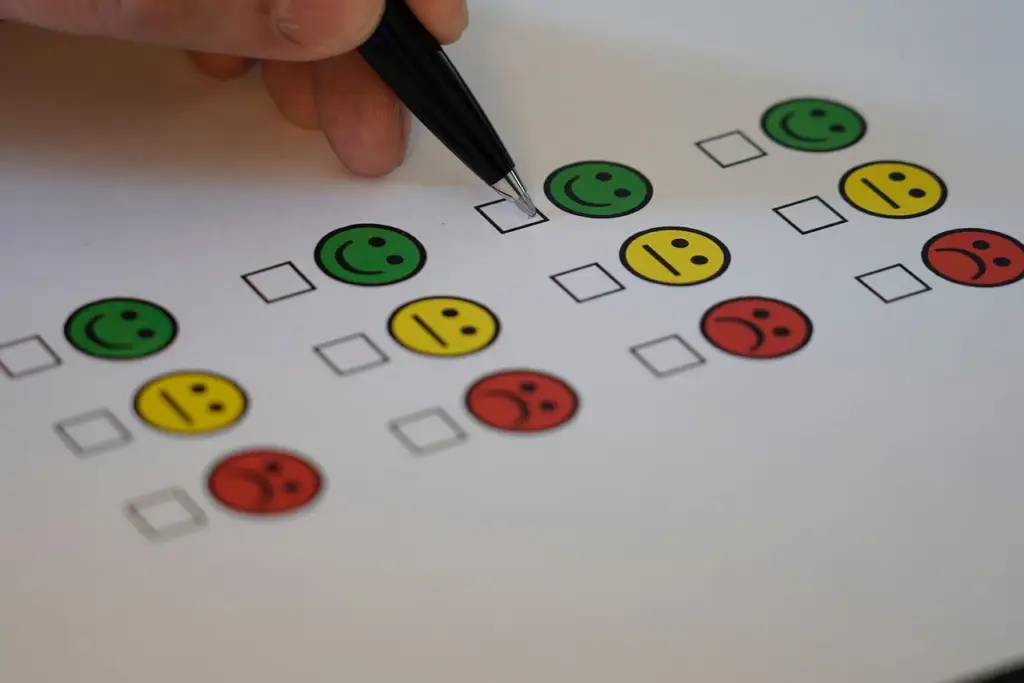
Don’t forget to talk to your customer success team. They hear the raw, unfiltered feedback every day. Ask them what the most common complaints are and how customers are reacting emotionally. This can surface issues your analytics might miss.
Step 4: Analyze In-Product Behavior Changes
Look at usage metrics for the features that changed. Compare before-and-after adoption rates for the updated features. If a feature’s usage dropped sharply, that is a red flag. Additionally, measure:
- Time on task: Are users taking longer to complete common actions?
- Error rates: Are there more invalid inputs or failed operations?
- Navigation flow: Where are users clicking after the update? Are they going to help pages more often?
- Completion rates: Are users abandoning multi-step processes at higher rates?
Create a simple comparison table to visualize the changes:
| Metric | Pre-Update (Weekly Avg) | Post-Update (Weekly Avg) |
|---|---|---|
| Daily Active Users | High | Lower |
| Feature X Clicks | Many | Fewer |
| Time to Complete Task Y | Short | Longer |
| Support Tickets for Navigation | Few | Many more |
If you see negative shifts, you have actionable evidence to prioritize fixes.
Step 5: Prioritize and Fix the Issues
Not all problems are equal. Rank each identified issue by:
- Impact on churn: How many customers are affected? How severe is the pain?
- Effort to fix: Is it a simple UI tweak or a major backend rewrite?
- Time to implement: Can you roll back the change, add an option, or release a patch within days or weeks?
Typically, the highest-impact and lowest-effort issues should be addressed first. For example, if customers can’t find a frequently used button, adding it back to a visible location can be done quickly. Communicating the fix publicly shows you are listening. For larger architectural changes, you may need to plan a phased rollout or offer a legacy mode option that restores the old interface temporarily.
Step 6: Communicate Transparently and Proactively
Silence after a troubled launch erodes trust. Your customers need to know you acknowledge the problem and are working on it. Send an email or in-app notification that:
- Thanks them for their feedback.
- Explains what you have learned from the data.
- Shares what you are doing to address the issues.
- Provides a timeline for when they can expect improvements.
If a feature removal was a mistake, consider bringing it back. If it was a strategic decision, explain the rationale and offer alternatives. Strong, honest communication can turn an angry customer into a loyal advocate.
For more on building a structured approach to keeping customers happy after changes, see our Customer Retention Checklist for SaaS Startups. It includes a post-update monitoring section that complements this guide.
Step 7: Recover and Follow Up with At-Risk Customers
Not all customers who churn are lost forever. Some may have left in frustration but would return if you fix the issue. Identify customers who canceled within the first 30 days post-update and reach out personally. Offer them a discount, a free month, or early access to the improved version. Show them a demo of how their problem has been resolved. Even if only a small percentage reactivates, every recovered account reduces the net churn impact.
For those still active but showing signs of disengagement (like decreased logins or feature usage), create a win-back campaign. Send tips, video tutorials, or a personal note from a customer success manager. The goal is to rekindle the habit of using your product effectively.
Preventing Future Update-Induced Churn
Once you have stabilized, take steps to prevent the same scenario next time. Incorporate these practices into your release process:
- Beta testing: Roll out major updates to a small segment of willing users first. Monitor their feedback and churn behavior before a full launch.
- Progressive rollout: Release the update to a small share, then a larger share, then most users while watching churn metrics. Pause or roll back if you see a spike.
- In-app walkthroughs: Provide guided tours that highlight changes and show where familiar features have moved.
- Legacy mode: For radical UI changes, offer a toggle to revert to the classic view for a limited period.
- Customer success coordination: Ensure your customer success team is prepared to handle questions and can escalate issues rapidly.
Product development and customer retention are not separate departments. When engineering builds new features, retention metrics should be a key success criterion. For a broader framework on keeping customers loyal, read our Beginner’s Guide to Building a Client Success Program.
Common Mistakes to Avoid
Even experienced teams slip up. Avoid these pitfalls:
- Ignoring early warning signs: If you see a small churn uptick the first week, don’t assume it will level off. Investigate immediately.
- Blaming customers: Saying “they just don’t get it” dismisses real usability problems. Empathy is essential.
- Reverting without analysis: Rolling back entirely may feel satisfying, but you lose the chance to fix what was broken. Revert only the problematic parts, not the whole update.
- Poor timing: Avoid major updates during your customers’ peak business seasons or holidays.
- Undercommunication: Keeping quiet while you fix things makes customers feel ignored. Give regular updates, even if it’s just “We are still investigating.”
Final Thoughts
High churn after a product update is a setback, not a permanent loss. By following a systematic process—confirming the trend, segmenting users, collecting feedback, analyzing behavior, prioritizing fixes, and communicating transparently—you can diagnose the root cause and take effective action. The key is to act quickly, listen carefully, and put your customers’ experience at the center of every decision. Your willingness to own mistakes and iterate based on feedback will, in the long run, build stronger loyalty than any perfect launch could.
Frequently asked questions
How quickly should I respond to a churn spike after a product update?
Act within the first week. The longer you wait, the more customers churn and the harder it becomes to win them back. Start by verifying the data, then immediately reach out to recent cancellations and deploy a feedback survey.
What is the most common reason for churn after a product update?
Usability regression is the most frequent cause. Customers lose features they rely on or find that common tasks have become harder. Removing a popular feature or changing its location often frustrates power users the most.
Should I roll back the entire update if churn spikes?
Not necessarily. Roll back only if the core functionality is broken. Otherwise, identify and fix specific issues while leaving improvements that users appreciate. A full rollback disrupts those who liked the changes and delays your product roadmap.
How can I prevent churn from product updates in the future?
Implement progressive rollouts, beta testing with a small segment, in-app walkthroughs, and a legacy mode toggle. Also, monitor churn metrics closely for at least two weeks after launch and have a rollback plan ready.
What should I say to customers who threaten to churn because of a bad update?
Listen first. Acknowledge their frustration and apologize for the inconvenience. Explain what you are doing to fix it and provide a timeline. Offer a temporary solution, like a legacy mode or a personal walkthrough, to help them get value in the meantime.






One Comment